
Is your Android phone hanging again and again?
Does your phone become slow while opening apps, scrolling social media, or watching videos?
If yes, you are not alone.
Even in 2026, millions of users search daily for Android phone hang problem fix, especially those using budget or mid-range smartphones. The good news is that in most cases, you do not need to buy a new phone.
A slow or hanging Android phone usually becomes faster by fixing storage issues, background apps, system settings, and usage habits.
In this complete guide, you will learn 7 best working tricks to fix Android phone hang problem using simple steps that anyone can follow — even beginners.
Let’s start.
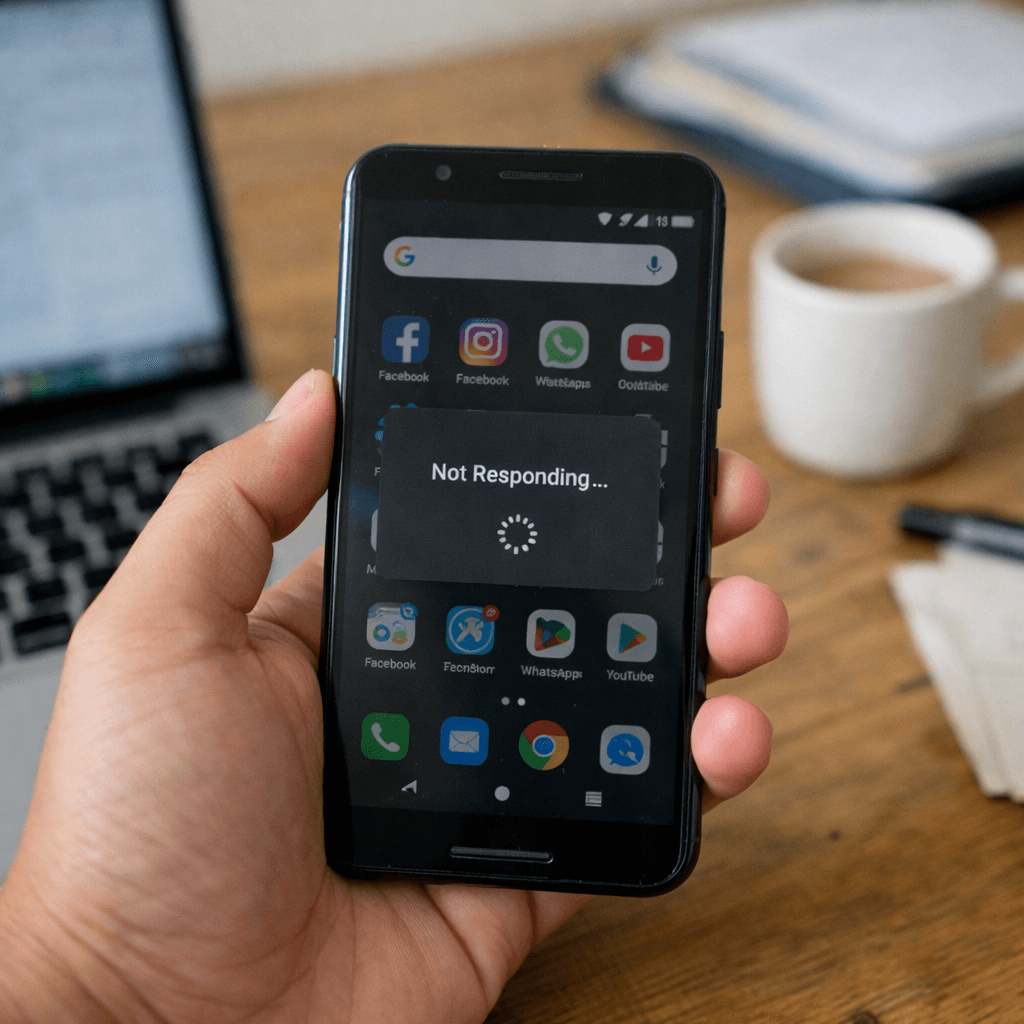
Why Does an Android Phone Hang or Become Slow?
Before applying any Android phone hang problem fix, it is important to understand the real reasons behind the issue.
Here are the most common causes:
- Low RAM combined with heavy apps
- Phone storage almost full
- Too many apps running in the background
- Cache files and junk data
- Outdated Android system version
- Malware or unsafe apps
- Phone not restarted for a long time
When two or more of these problems occur together, your phone starts lagging, freezing, or hanging frequently.
Now let’s fix them step by step.

Trick #1 – Restart Your Phone (Simple but Powerful)
Many people ignore restarting their phone because it looks too basic.
But in reality, restarting is one of the most effective Android phone hang problem fix methods.
How Restart Improves Phone Performance
When you restart your Android phone:
- Background apps automatically close
- RAM memory gets refreshed
- Temporary system glitches are removed
- Overall performance improves instantly
In many cases, a single restart can fix most minor hanging problems.
What You Should Do
- Restart your phone 2–3 times every week
- Restart immediately if the phone becomes unresponsive
- Do not wait for the phone to freeze completely
This is the fastest solution for Android phone hanging issues.
Trick #2 – Free Up Storage Space (Most Important Fix)
If your phone storage is almost full, no Android phone hang problem fix will work properly.
Android devices need free storage space to perform daily tasks smoothly.
How Much Free Storage Is Ideal?
- Minimum 4–6 GB free storage is recommended
- For low-end phones, more free space gives better results
Easy Ways to Free Storage
Follow these steps:
- Delete unwanted photos and videos
- Clean WhatsApp media folders
- Clear the Downloads folder
- Uninstall apps you no longer use
- Remove duplicate files
Best App for Storage Cleaning
Use Files by Google.
It helps identify:
- Junk files
- Duplicate photos
- Large videos
- Unused apps
Once storage is cleaned, you will immediately notice improved speed.
Trick #3 – Close Background Apps Regularly
Many apps continue running in the background even when you are not using them.
Common examples include:
- Social media apps
- Shopping apps
- Games
- Music and video apps
These apps continuously consume RAM and CPU power, causing slow performance.
How to Stop Background Apps
Method 1:
- Open Recent Apps screen
- Swipe away unused apps
Method 2:
- Go to Settings → Apps
- Select rarely used apps
- Restrict background activity
Additional Tips
- Remove live wallpapers
- Remove heavy widgets
These elements silently consume memory and battery.
Trick #4 – Clear Cache Data (Safe and Effective)
Cache files are temporary data stored by apps to load content faster.
However, when cache builds up too much, it slows down your phone instead of helping it.
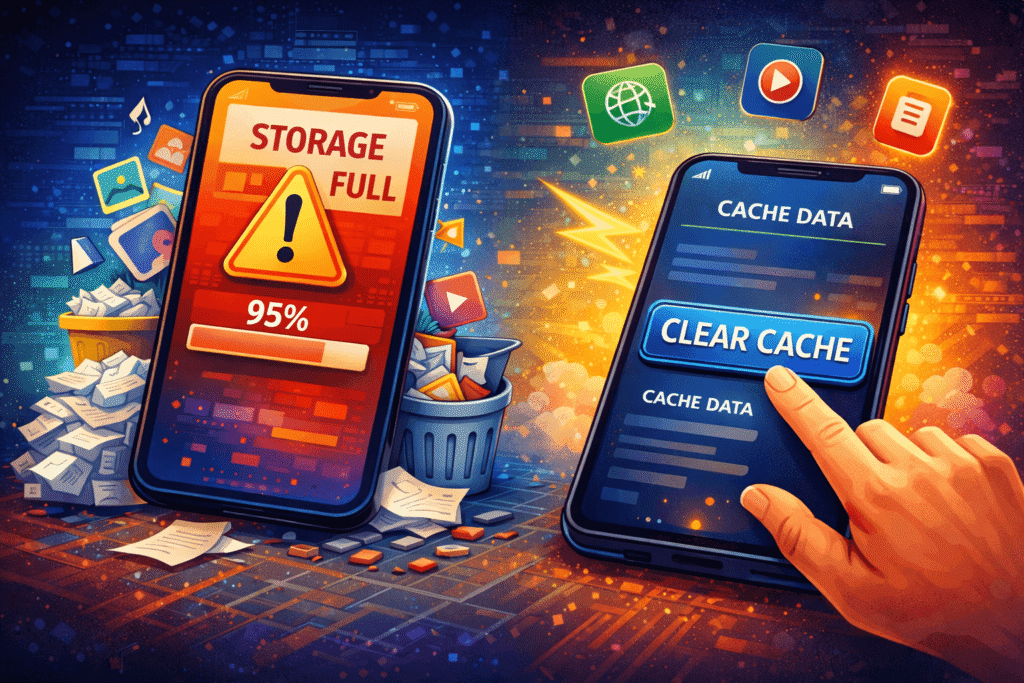
Steps to Clear Cache
- Open Settings
- Go to Storage
- Tap Apps
- Select an app
- Tap Clear Cache
Important Points
- Cache clearing does NOT delete personal data
- Photos, videos, and messages remain safe
- Only temporary junk files are removed
Clearing cache every 15–20 days is a good habit for long-term performance.
Trick #5 – Keep Android System Updated
Ignoring Android updates is a common mistake.
System updates are a key part of any long-term Android phone hang problem fix strategy.
Benefits of Android Updates
- Bug fixes
- Performance improvements
- Better RAM management
- Security patches
- Stability improvements
How to Check for Updates
- Go to Settings
- Open About Phone
- Tap Software Update
- Download and install if available
If your device supports a newer Android version, updating it can noticeably improve performance.
Trick #6 – Use Lite Apps Instead of Heavy Apps
Heavy apps consume more RAM, storage, and processing power.
This is a major reason why low-RAM phones struggle.
Lite App Alternatives
| Heavy App | Lite Version |
|---|---|
| Facebook Lite | |
| Messenger | Messenger Lite |
| YouTube | YouTube Lite / Browser |
| Chrome | Brave / Lite Browser |
| Gmail | Gmail Go |
Lite apps are designed to work smoothly on low-end devices and slow networks.
They are highly recommended for phones with 2GB or 3GB RAM.
Trick #7 – Factory Reset (Last and Most Powerful Option)
If none of the above Android phone hang problem fix methods work, factory reset is the final solution.
What Factory Reset Does
- Removes junk files
- Clears hidden cache
- Deletes malware
- Fixes corrupted system settings
It restores your phone to a fresh state.
Things to Do Before Reset
- Backup photos and videos
- Sync contacts
- Backup WhatsApp
- Save important files
How to Factory Reset
- Go to Settings
- Open System
- Tap Reset Options
- Select Erase All Data
After reset, install only essential apps for best performance.
Extra Tips to Keep Android Phone Fast in 2026
Use Trusted Antivirus Only
Install antivirus apps only from Play Store such as Avast, Bitdefender, or Kaspersky.
Reduce Auto-Sync
Limit Gmail, Drive, and Photos sync to save resources.
Reduce Animation Scale
Lower animation scale in Developer Options to make the phone feel smoother.
Conclusion: Best Android Phone Hang Problem Fix Strategy
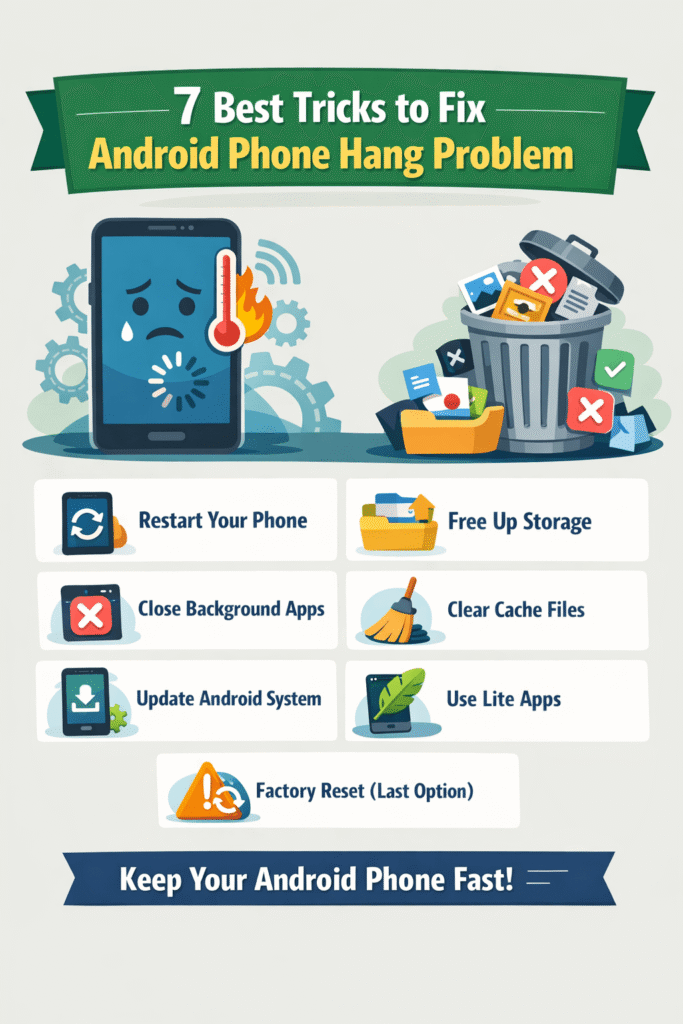
Android phone hang problem is common but completely fixable.
Most phone lag issues are caused by full storage, heavy apps, and poor usage habits.
By following these 7 proven tricks, you can easily apply a long-term Android phone hang problem fix and keep your device fast in 2026 without buying a new phone.
FAQs – Android Phone Hang Problem Fix (40 Questions)
Q1. What is the main reason for Android phone hanging?
Low storage, heavy apps, and background processes.
Q2. Does restarting phone really help?
Yes, it refreshes RAM and fixes temporary bugs.
Q3. How much free storage is required for smooth performance?
At least 4–6 GB free storage.
Q4. Are cache files harmful?
Not harmful, but excessive cache slows performance.
Q5. How often should cache be cleared?
Every 15–20 days.
Q6. Do Android updates improve speed?
Yes, updates optimize performance and fix bugs.
Q7. Can low RAM phones be fast?
Yes, with lite apps and proper storage management.
Q8. Are RAM booster apps useful?
Mostly no, Android handles RAM automatically.
Q9. What apps slow Android phones the most?
Social media, games, and shopping apps.
Q10. Is factory reset safe?
Yes, if data backup is done properly.
Q11. Does factory reset remove viruses?
Yes, most malware gets removed.
Q12. Should I use task killer apps?
No, they can harm system stability.
Q13. Do live wallpapers slow phones?
Yes, they consume RAM and battery.
Q14. Can antivirus apps slow phones?
Trusted antivirus apps have minimal impact.
Q15. Is Android phone hanging a hardware issue?
Mostly software-related.
Q16. Does WhatsApp media cause lag?
Yes, if storage becomes full.
Q17. Is Google Files safe to use?
Yes, it is developed by Google.
Q18. Should unused apps be uninstalled?
Yes, always.
Q19. Does animation scale really help?
Yes, it makes phone feel smoother.
Q20. Can old phones run Android 15 smoothly?
Depends on hardware and optimization.
Q21. Why phone hangs while gaming?
Games use high RAM and CPU.
Q22. Does heating cause lag?
Yes, overheating reduces performance.
Q23. Should background data be restricted?
Yes, for unused apps.
Q24. Is cloud backup slowing phone?
Auto-sync can slow performance.
Q25. Can SD card improve performance?
Only storage, not speed.
Q26. Are third-party cleaners safe?
Most are unnecessary.
Q27. Should system apps cache be cleared?
Yes, occasionally.
Q28. Why phone hangs while charging?
Background sync and heating.
Q29. Does full battery improve speed?
Indirectly, yes.
Q30. Is Android phone hang problem permanent?
No, it is fixable.
Q31. Can custom launchers slow phone?
Heavy launchers can cause lag.
Q32. Is resetting network settings helpful?
Sometimes, for connectivity issues.
Q33. Does screen resolution affect speed?
Higher resolution uses more resources.
Q34. Should developer options be enabled?
Only for animation scale.
Q35. Can malware cause phone hanging?
Yes, unsafe apps are a big reason.
Q36. Is Play Store app safe?
Yes, official apps are safe.
Q37. Does low signal cause lag?
It affects internet-based apps.
Q38. How long does factory reset take?
Usually 5–10 minutes.
Q39. Should phone be restarted daily?
Not required, 2–3 times a week is enough.
Q40. What is the best Android phone hang problem fix?
Storage cleanup + lite apps + regular restart.
Read More –